
Process Mining with Celonis, UIPath and Power Automate

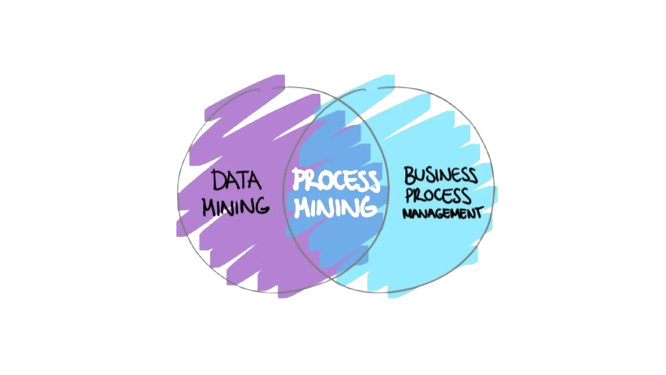
Process Mining describes the analysis of business data in order to visualize, analyze and optimize processes. So far I have come across three different tools that can be used for process mining: Celonis, UIPath and Power Automate. In this blog post, I will give a brief overview of each tool and share my experiences with them.
Benefits of Process Mining
Transparency
It provides a clear view of how processes are actually executed, revealing bottlenecks and inefficiencies.
Optimization
By analyzing process data, organizations can identify areas for improvement and optimize workflows.
Compliance
It helps ensure that processes adhere to regulatory requirements by identifying deviations from standard procedures.
Data-Driven Decisions
Process Mining enables organizations to make informed decisions based on actual process data rather than assumptions.
Tools for Process Mining
Depending on the specific needs and context of an organization, different tools may be more suitable for process mining. Here are three popular options:
Celonis
Celonis is a leading process mining platform that offers advanced analytics and visualization capabilities. It allows users to connect to various data sources, extract process data, and create interactive dashboards to analyze process performance. Celonis provides features such as root cause analysis, process conformance checking, and predictive analytics.
UIPath
UIPath is primarily known as a Robotic Process Automation (RPA) tool, but it also offers process mining capabilities through its Process Mining module. UIPath allows users to discover, analyze, and optimize processes by leveraging data from various systems. It provides insights into process bottlenecks and inefficiencies, enabling organizations to automate repetitive tasks and improve overall process efficiency.
Power Automate
Power Automate, part of the Microsoft Power Platform, offers process mining features through its Process Advisor tool. It enables users to analyze workflows and identify areas for improvement. Power Automate integrates seamlessly with other Microsoft products, making it a convenient choice for organizations already using the Microsoft ecosystem. It provides insights into process performance and helps automate tasks to enhance efficiency.
Explore more like this
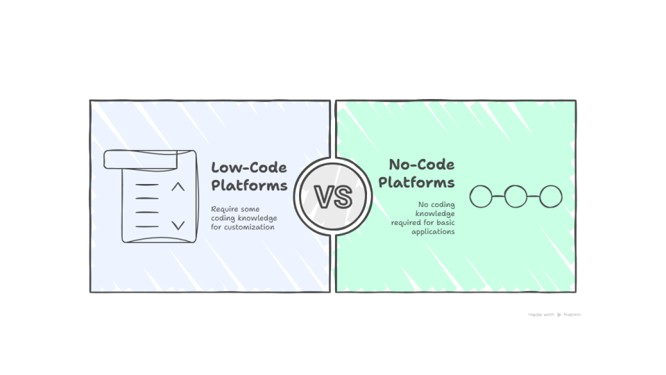
Unlocking the Power of Low-Code and No-Code Platforms
Low-Code and No-Code (LCNC) platforms empower non-developers and business users to create applications and automations with little to no coding required. Instead of writing full applications from scratch, users can...
Comments